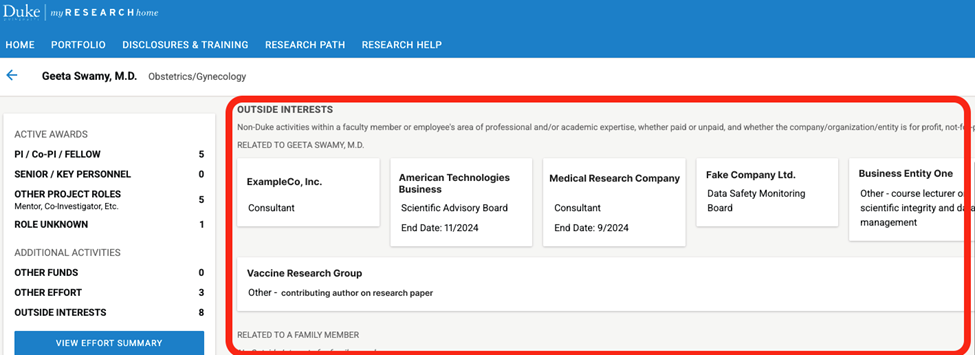
Step by step guide to locating Outside Interests in myRESEARCHhome
These instructions illustrate how to find an investigator's Outside Interests in myRESEARCHhome.
Log into myRESEARCHhome using Duke credentials
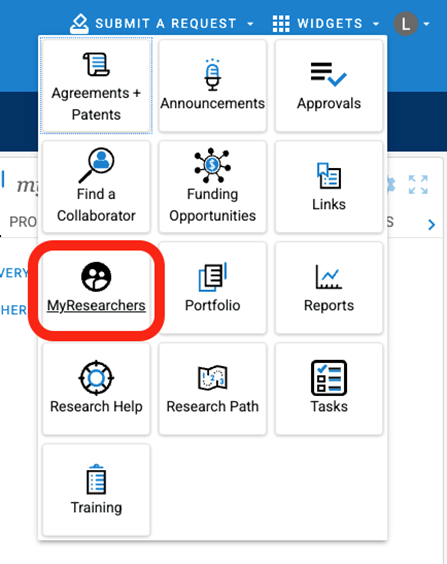
Select the Widgets menu in the top right corner:

Select the MyResearchers widget from the menu:
Start typing the researcher's name and select from the list that auto-populates:

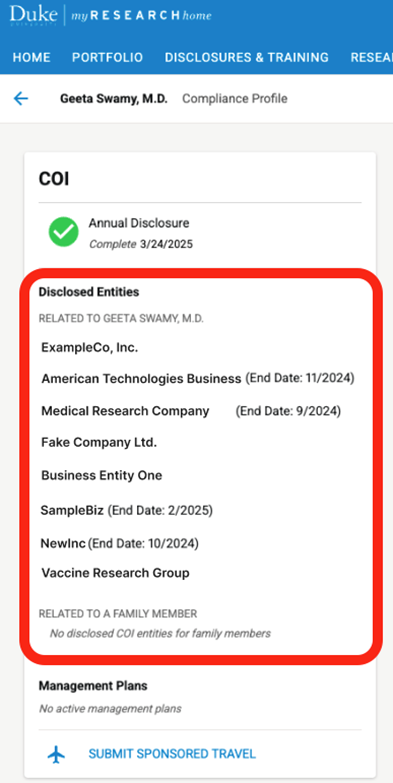
Select View Details under the person’s COI and Training section on their researcher page:
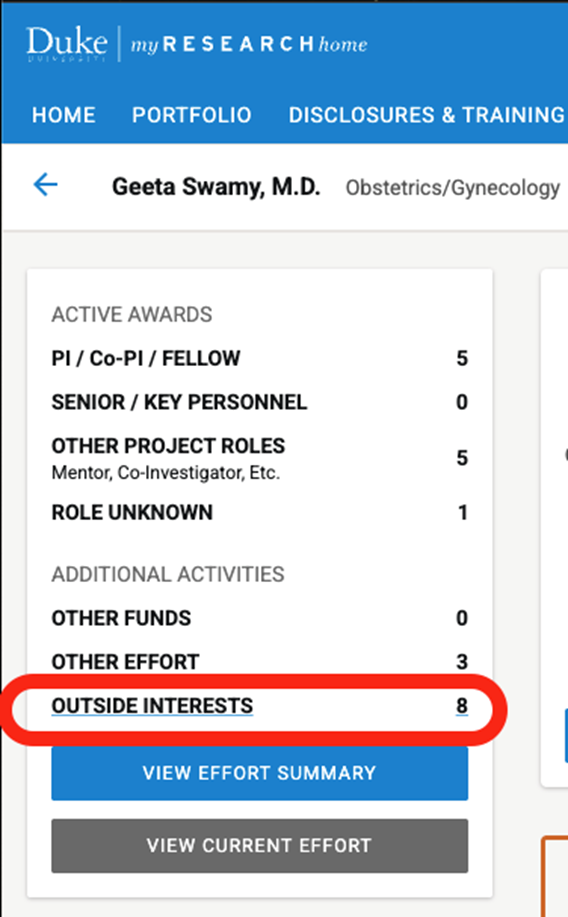
Alternatively click Outside Interests in the lefthand navigation:
You will now see the researcher's Outside Interests displayed: